Skip to content
View in the app

A better way to browse. Learn more.

MK2CAV.COM

A full-screen app on your home screen with push notifications, badges and more.

To install this app on iOS and iPadOS
  1. Tap the Share icon in Safari
  2. Scroll the menu and tap Add to Home Screen.
  3. Tap Add in the top-right corner.
To install this app on Android
  1. Tap the 3-dot menu (⋮) in the top-right corner of the browser.
  2. Tap Add to Home screen or Install app.
  3. Confirm by tapping Install.

Leaderboard

Popular Content

Showing content with the highest reputation on 11/09/26 in all areas

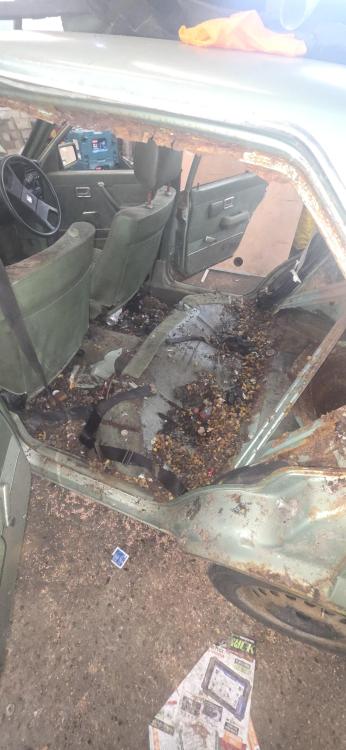
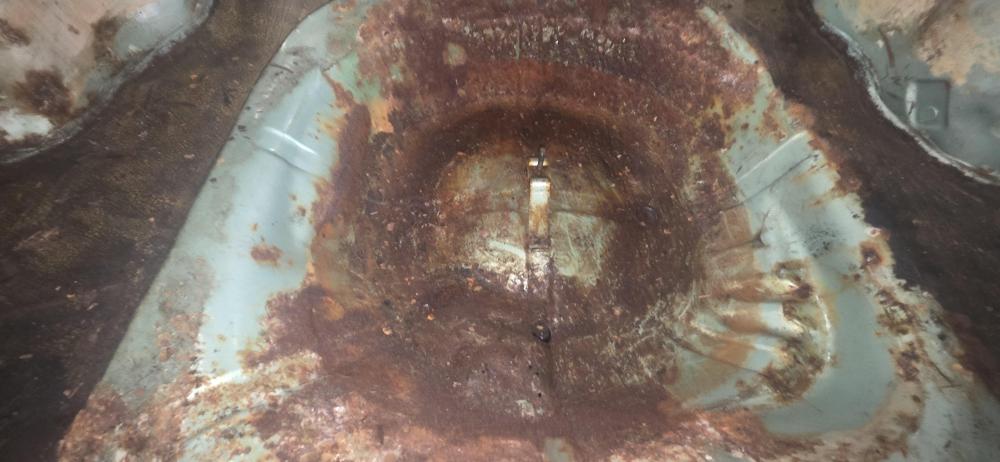
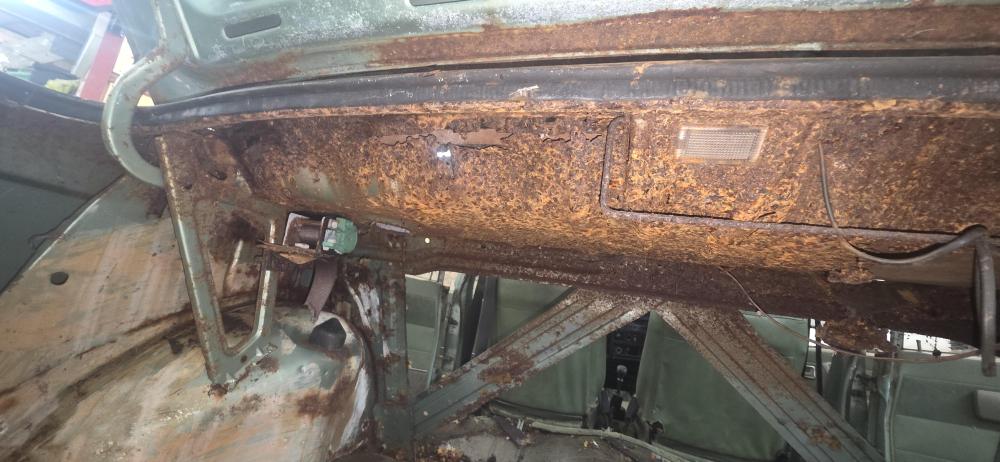
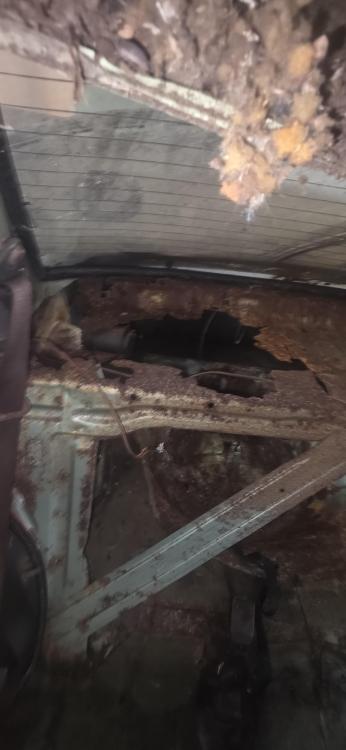
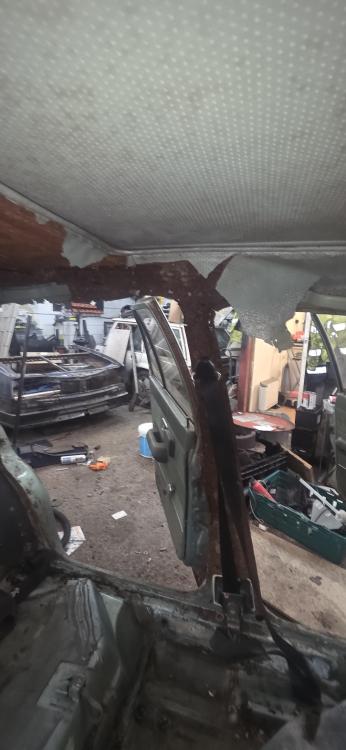
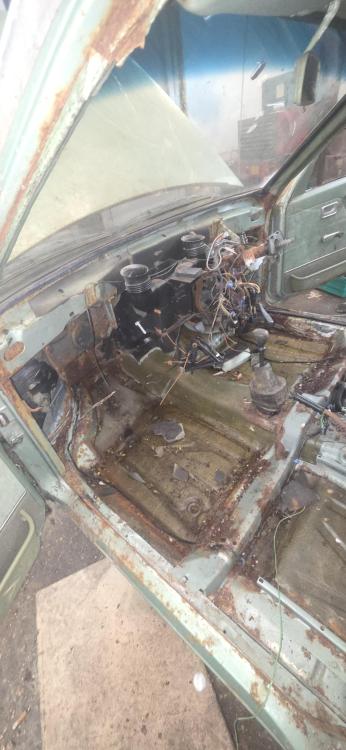
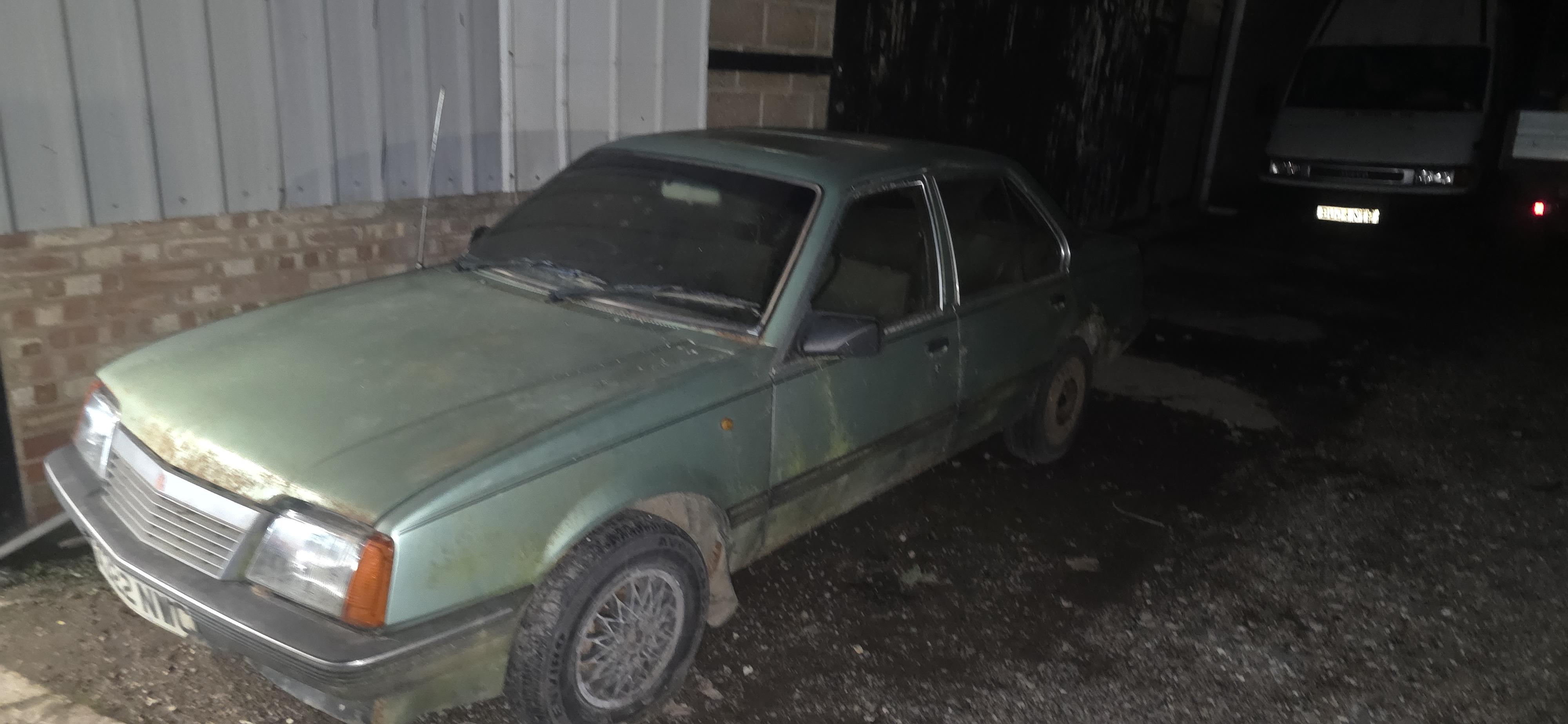
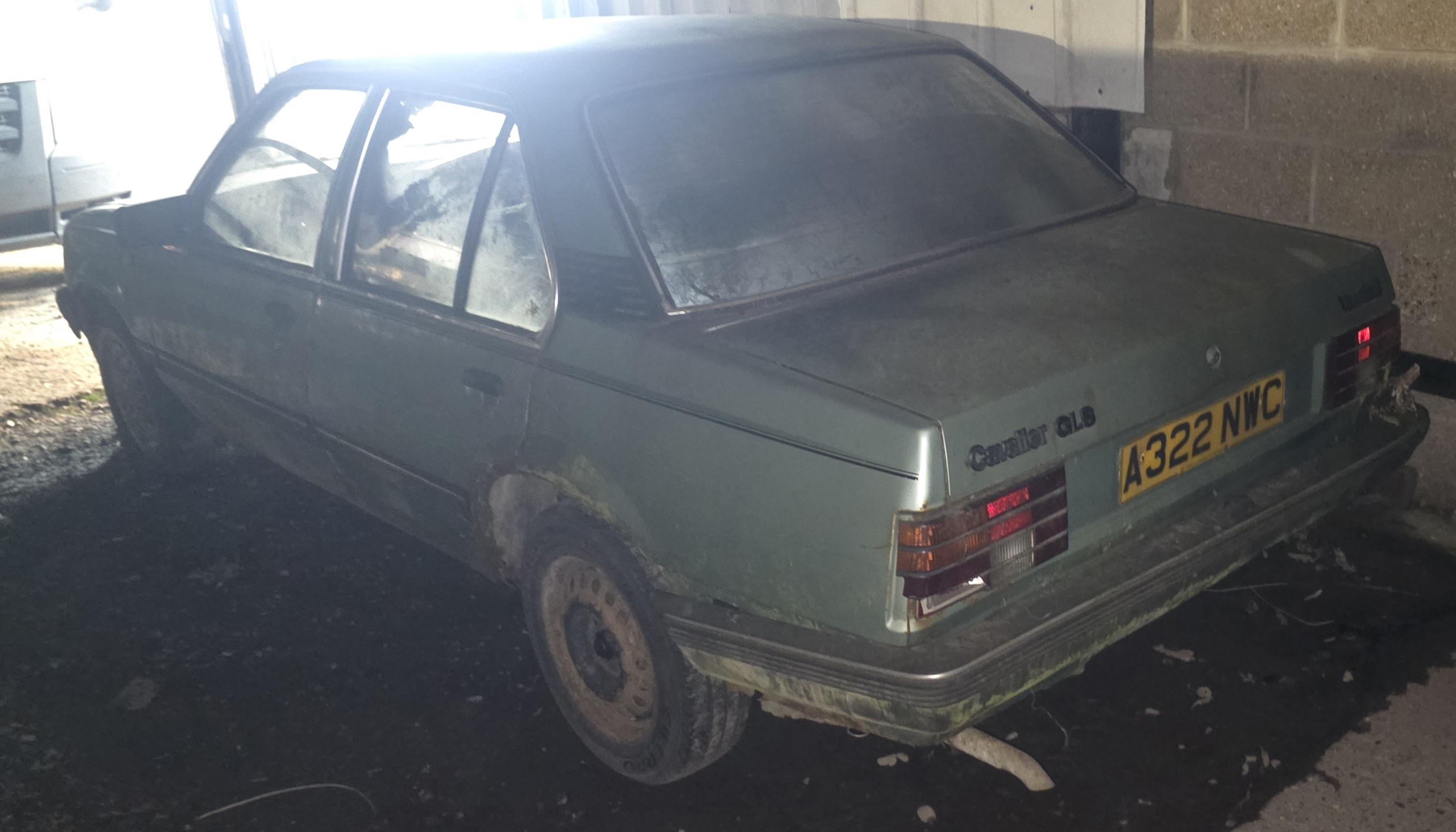
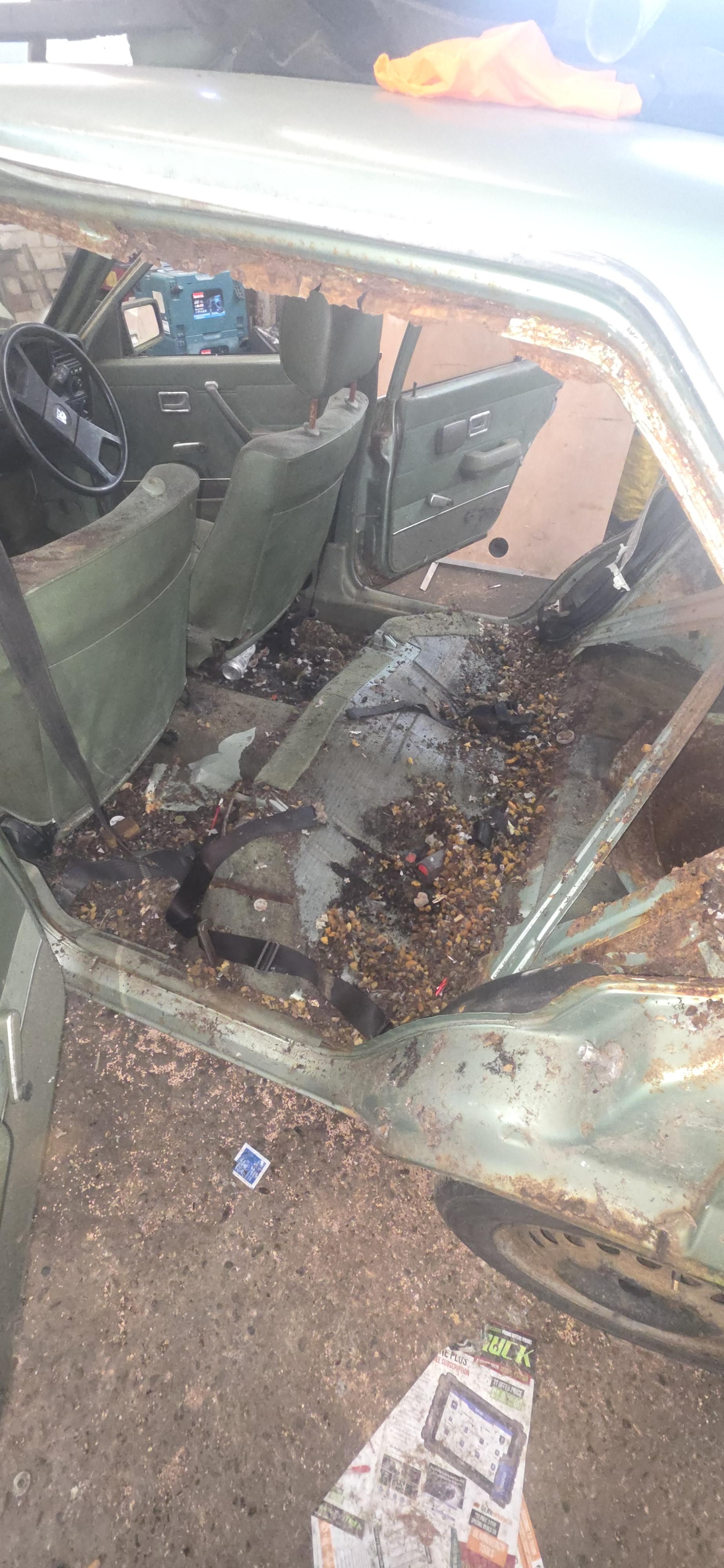
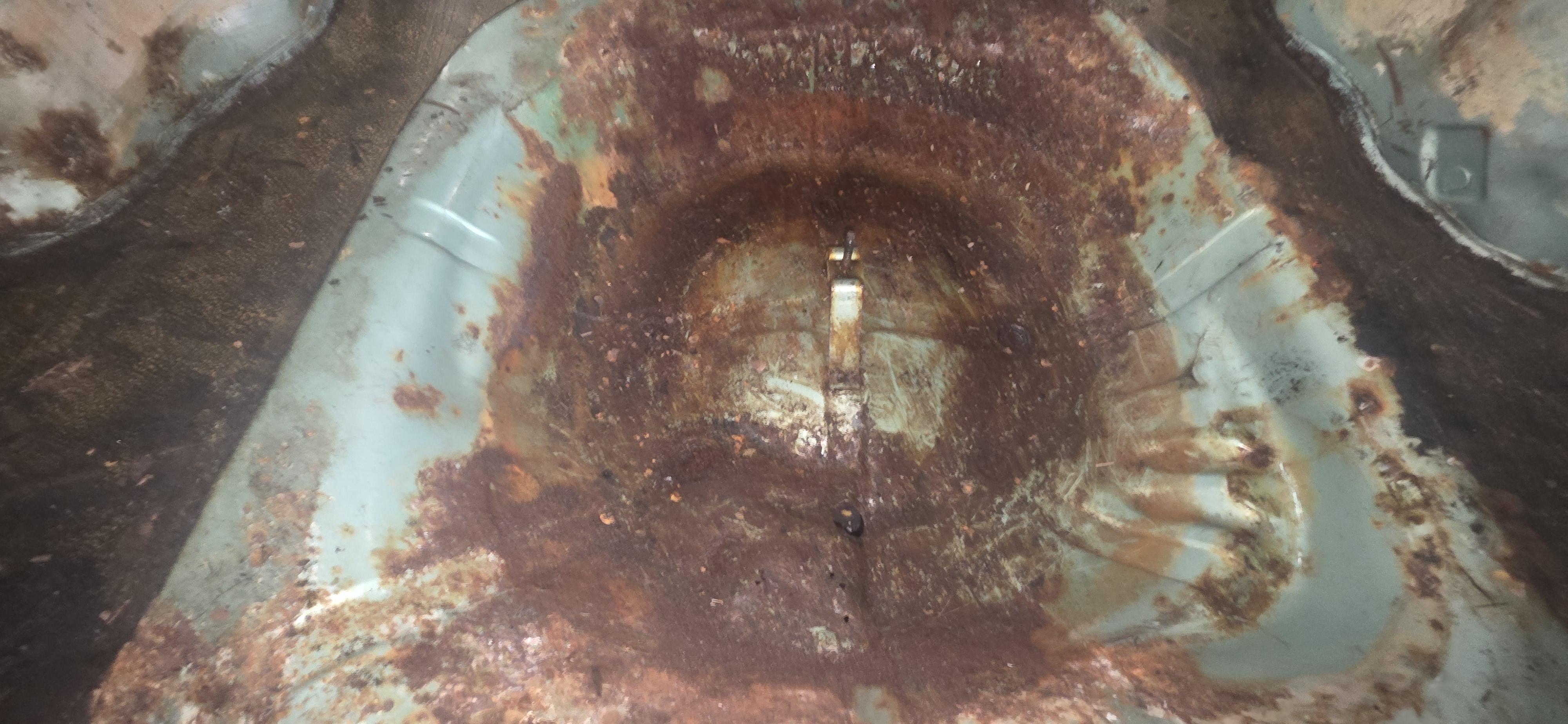
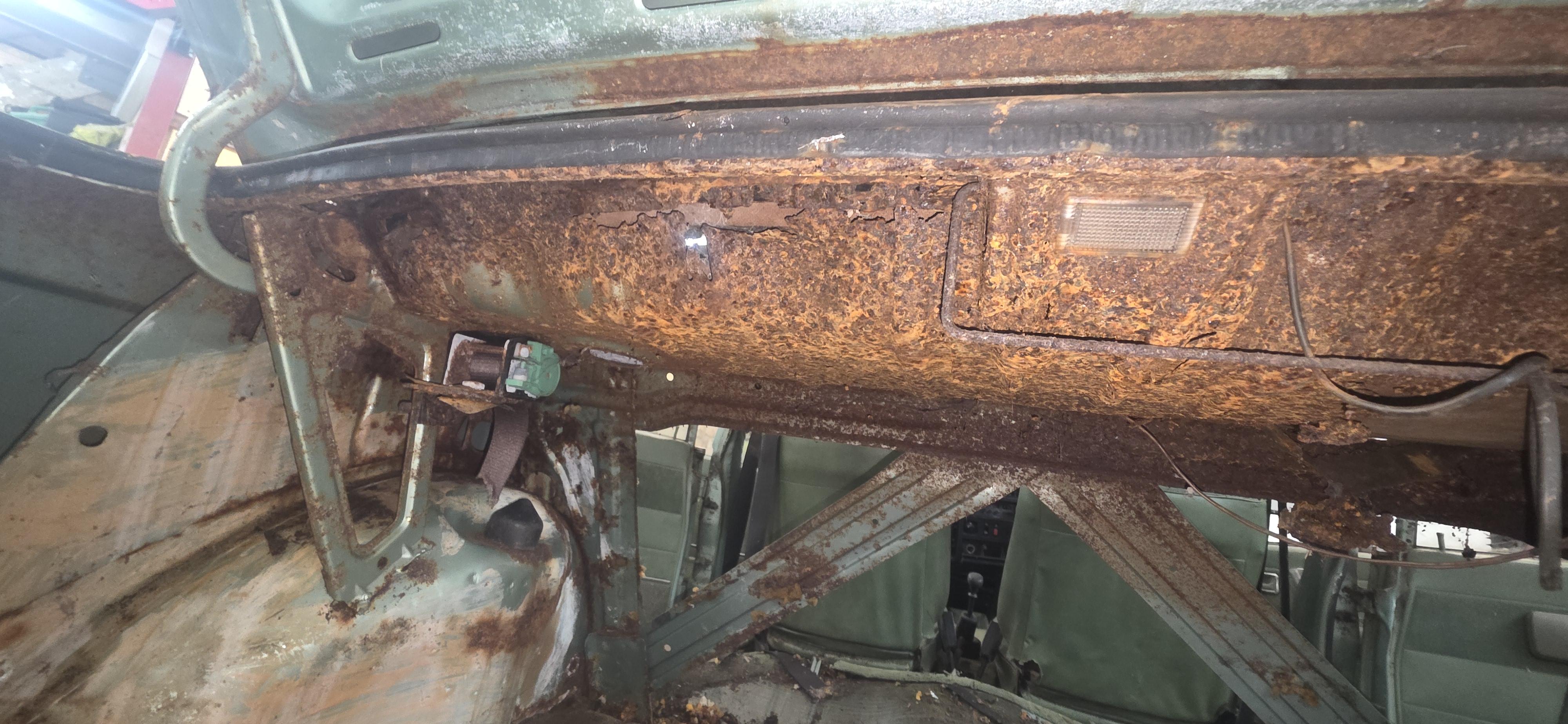
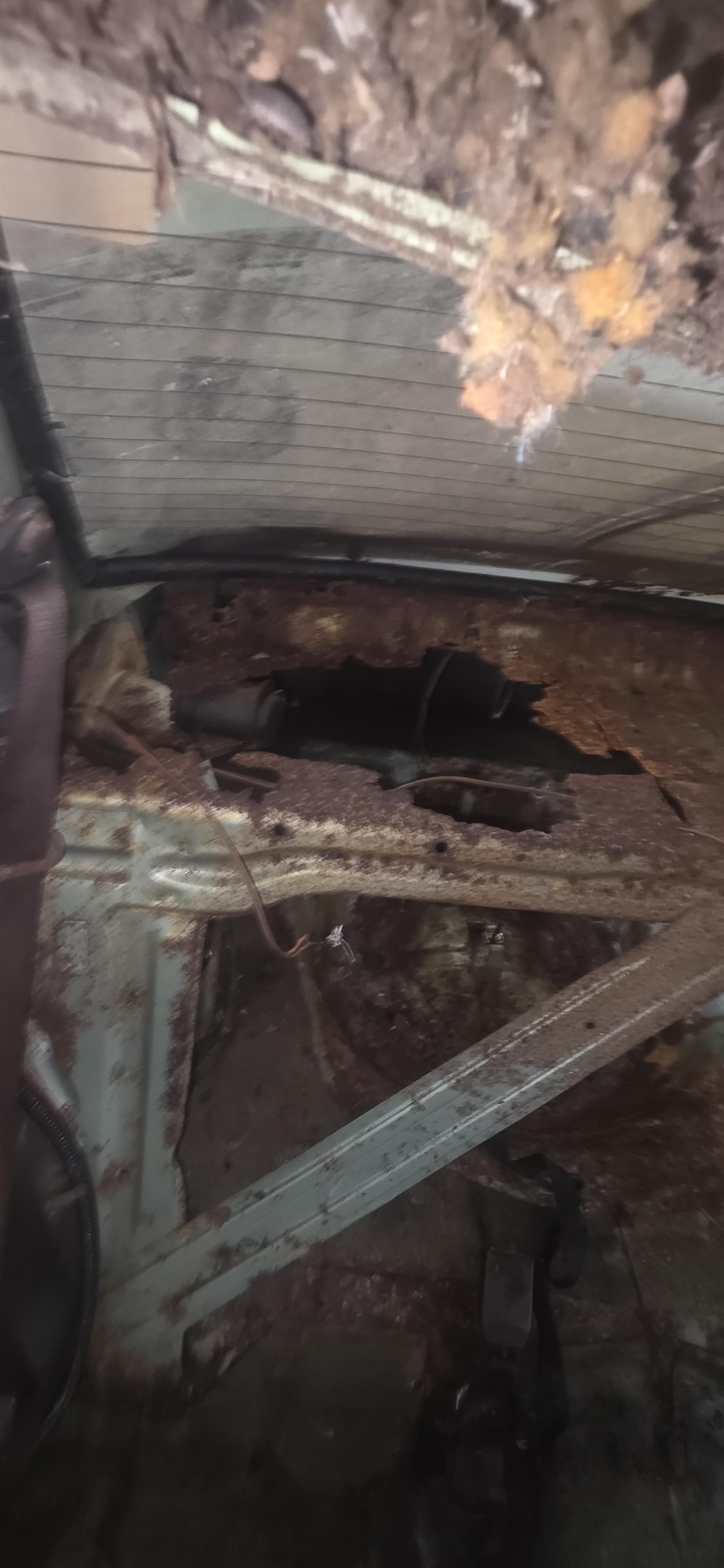
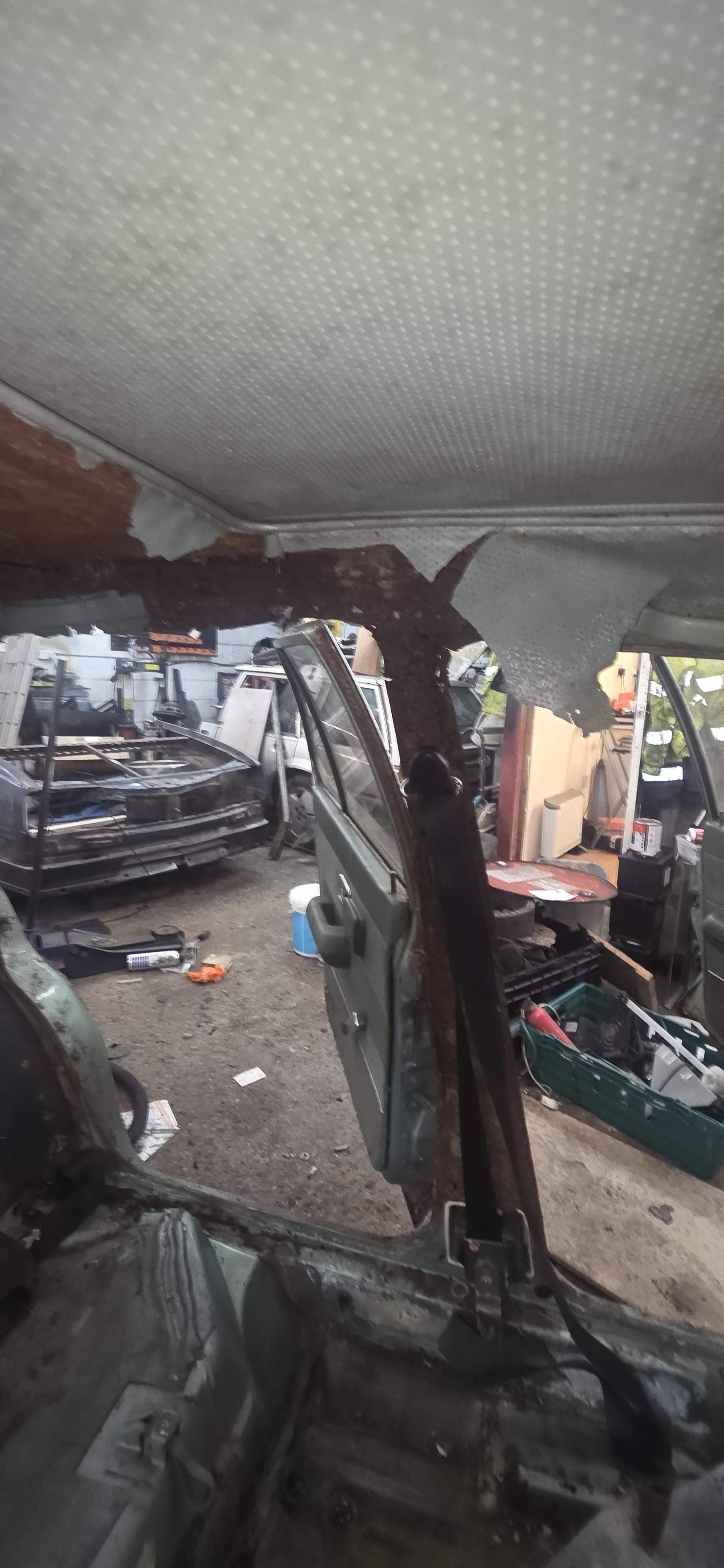
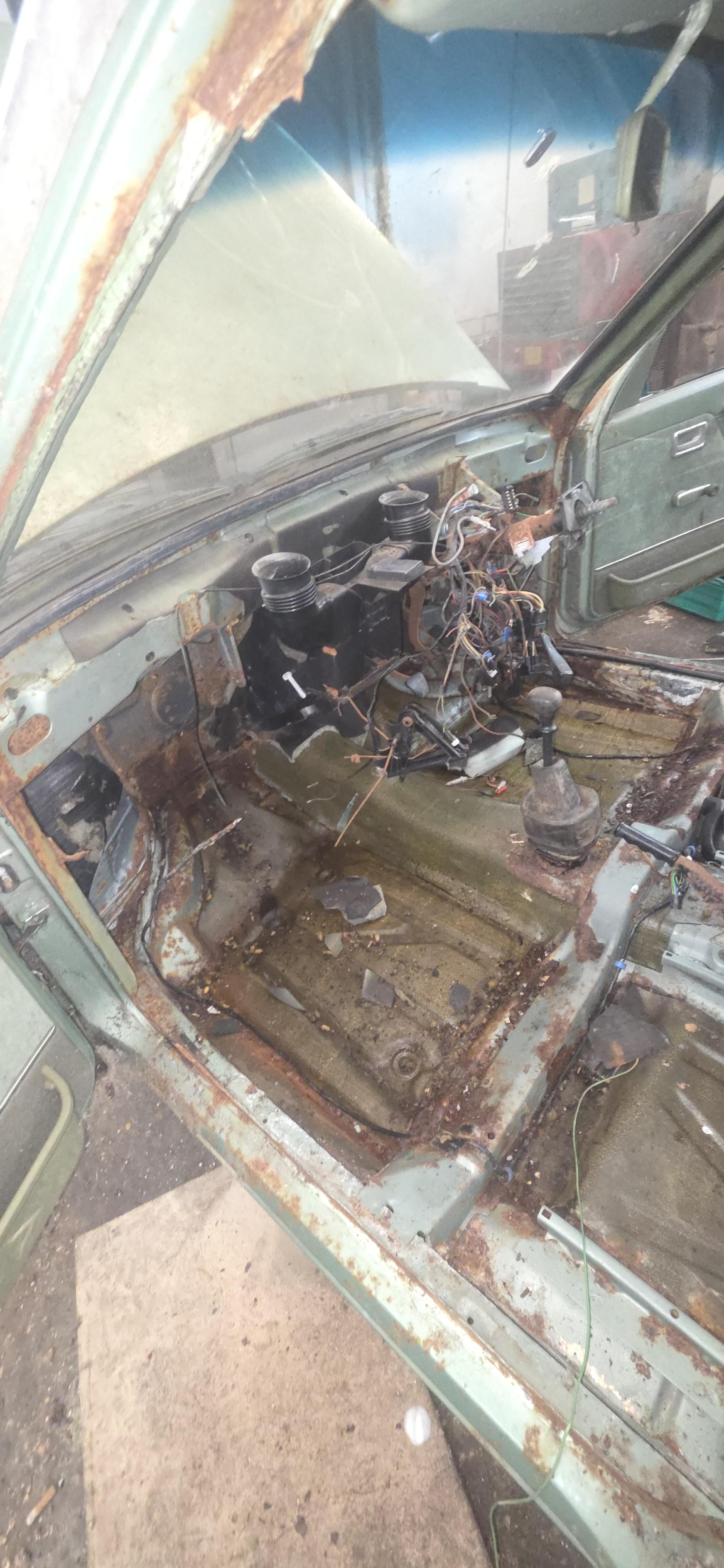
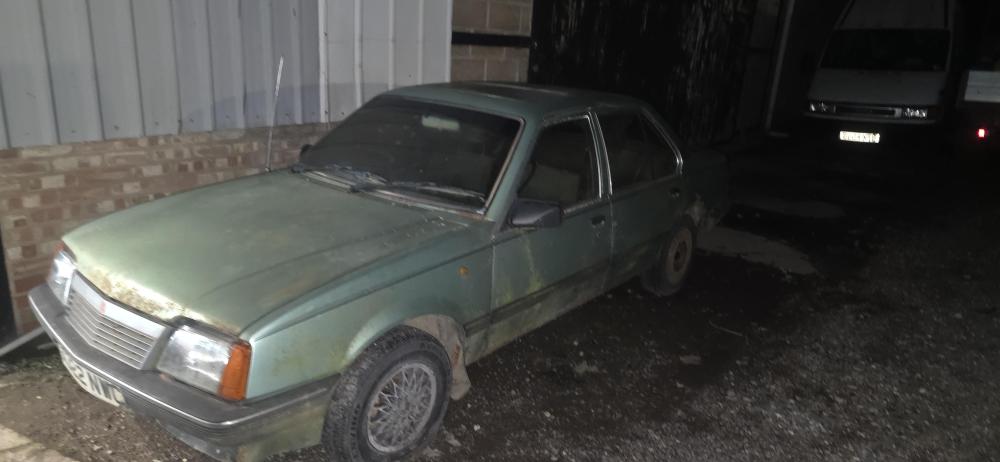
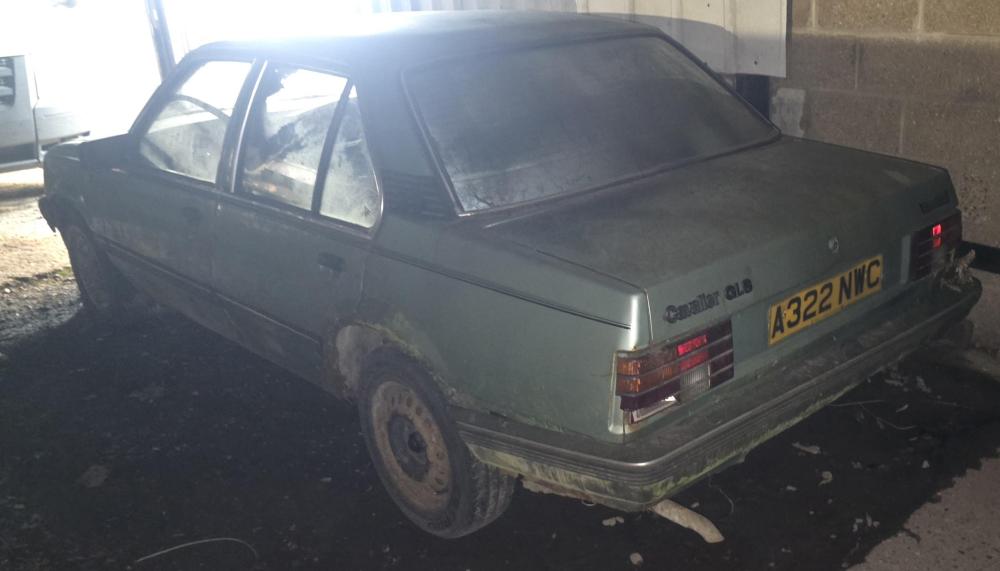
  1. Hi all, my name is Colin, I've just joined up so figured I'd come on and say hello. @newbody and @Scruffy 491 pointed me in the direction of the forum. Was going to be restoring a 1983 1.6gls saloon, that had been sat in a barn since 1999, but after a bit of a discussion and working costs out have now agreed a deal on a 88 hatch, so hopefully be able to get to a few shows and meets with you all next year. Few pics of the saloon that was going to be the project. Off for a look around
Account

Navigation

Search

Search

Configure browser push notifications

Chrome (Android)
  1. Tap the lock icon next to the address bar.
  2. Tap Permissions → Notifications.
  3. Adjust your preference.
Chrome (Desktop)
  1. Click the padlock icon in the address bar.
  2. Select Site settings.
  3. Find Notifications and adjust your preference.